
Tmux Auto Attach
Auto-attach terminals to tmux sessions spawned by AI coding agents
Tmux Auto Attach is a helper script that automatically attaches idle terminals to new tmux sessions spawned by your AI coding agent. The reason to spawn sub-agents, or agents from different vendors, in tmux sessions is observability and interoperability: you get a live window into what each sub-agent is doing, and sub-agents can be from any vendor (Anthropic, Google, OpenAI, …).
For a full walkthrough of how to use it, please read the blog post titled: Auto-attach to tmux Sessions Spawned by AI Agents.
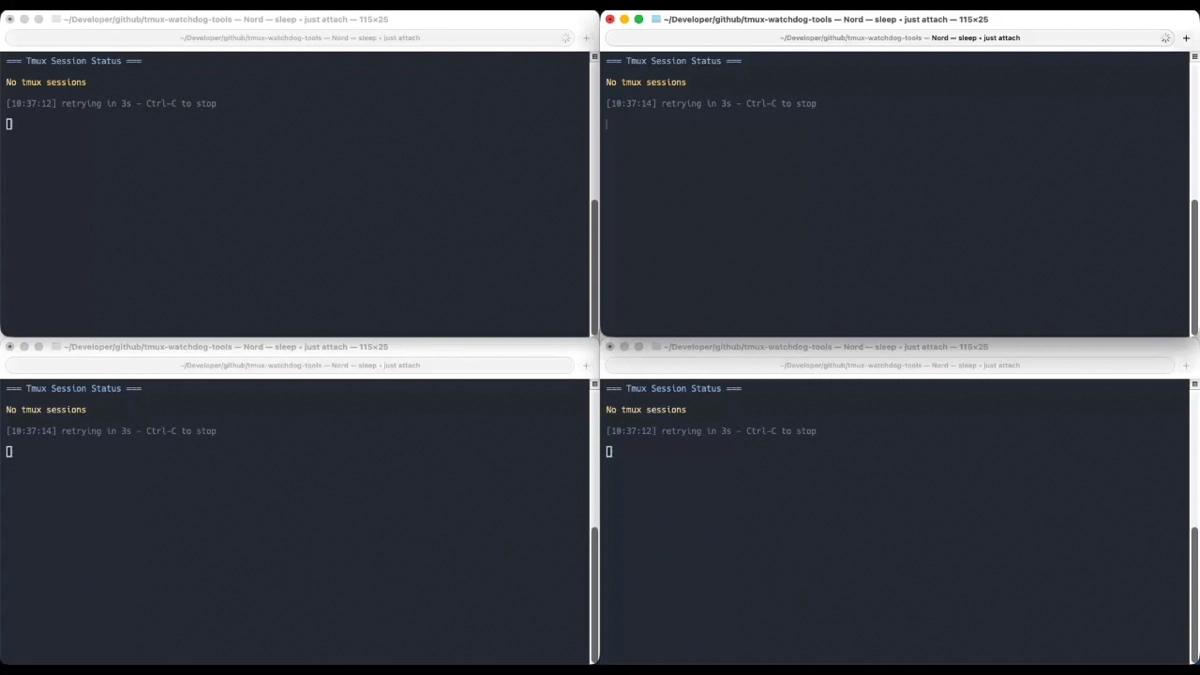
SCREENSHOT
4 auto-attach runners waiting for new tmux sessions.
Quick Install
SETUP
The full installation guide is available on GitHub.
mkdir -p ~/scripts
cd ~/scripts
git clone https://github.com/florianbuetow/tmux-auto-attach.git
cd tmux-auto-attach
just init
Add these aliases to your ~/.zshrc (or ~/.bashrc) as shortcuts:
alias tmon='(cd ~/scripts/tmux-auto-attach && just attach)'
alias tstat='(cd ~/scripts/tmux-auto-attach && just status)'
After reloading your shell with
source ~/.zshrc
You are all set. Simply run
tmon
In any terminal, to start watching for new sessions.
References
- GitHub tmux-auto-attach
- Install Guide GitHub
- Article: Auto-attach to tmux Sessions Spawned by AI Agents
- tmux the terminal multiplexer
- flock the file locking utility used for mutual exclusion
- just justfile command runner